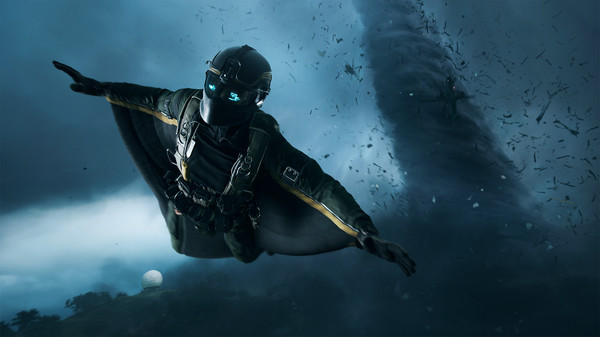
Battlefield 2042 throws you into massive, ever-shifting warzones where wingsuits, hovercraft, tornadoes, and 127 other players all want to send you straight to the respawn screen. Whether you’re ziplining between skyscrapers, reviving teammates under fire, or accidentally calling in a vehicle on top of yourself (it happens), having your PS4/PS5 controls locked in is essential. One wrong button and you’re emoting at an enemy tank instead of running for cover—so here’s the guide that keeps the chaos fun and the mistakes… at least less fatal.
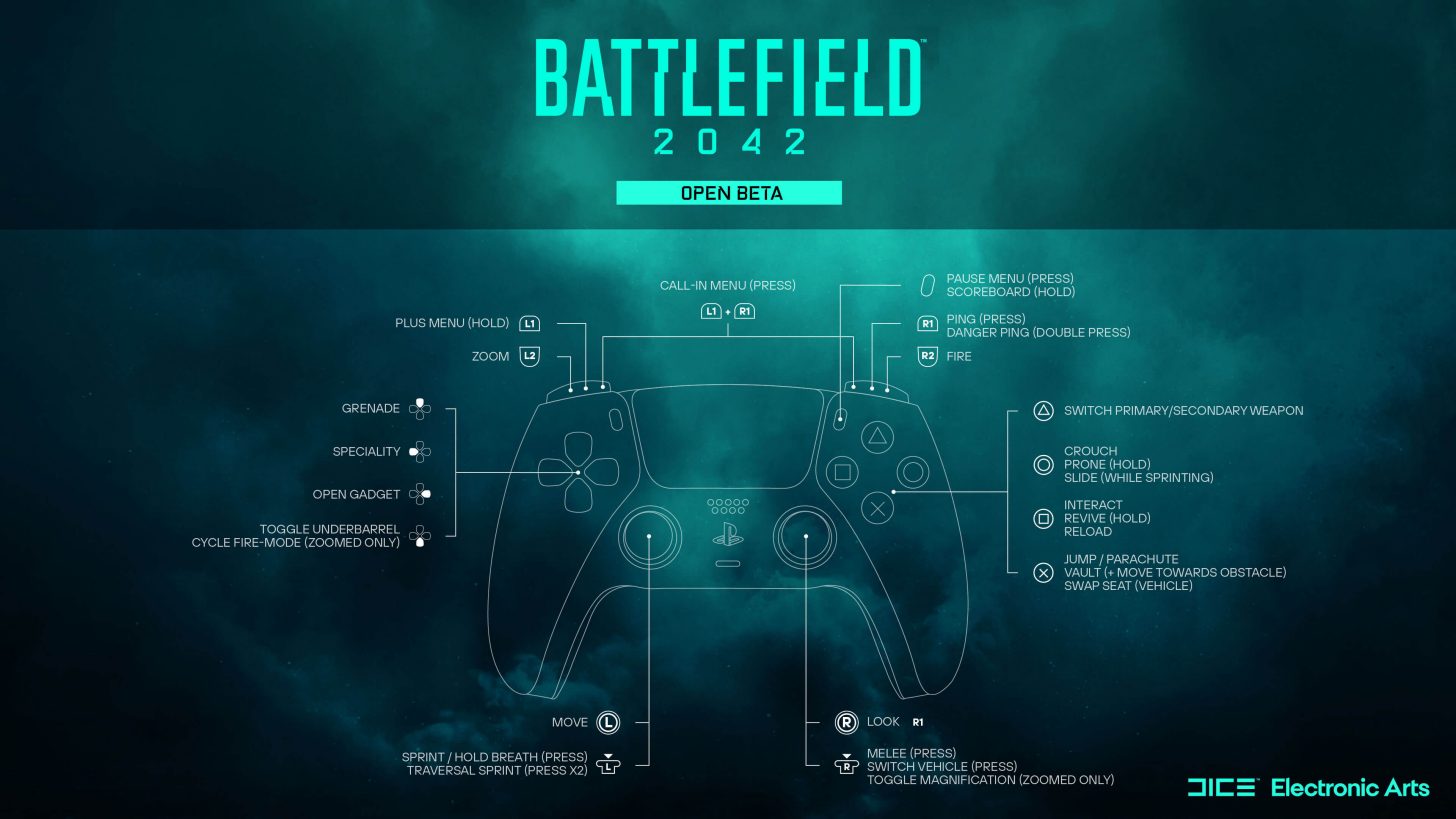
PS4 & PS5 Controls
Movement & Aiming
Left Stick – Move
Left Stick (Click) – Sprint
Right Stick – Look
L2 – Zoom
R2 – Fire
Combat & Actions
Right Stick (Click) – Melee
Circle – Crouch
Circle (Hold) – Prone
Circle (While Sprinting) – Slide
Cross – Jump
Cross + Move – Vault
Up D-Pad – Grenade
Square – Reload
Triangle – Switch Primary/Secondary Weapon
Left D-Pad – Specialty
Right D-Pad – Open Gadget
Menus & Interactions
R1 (Hold) – Call-In Menu
Touchpad (Press) – Full Map
Options – Menu
L1 (Hold) – Plus Menu
R1 (Hold) – Commo Rose / Ping
Vehicles
Square – Enter/Exit Vehicles
Square (Hold) – Revive
Cross – Swap Seat
PS Control Scheme