

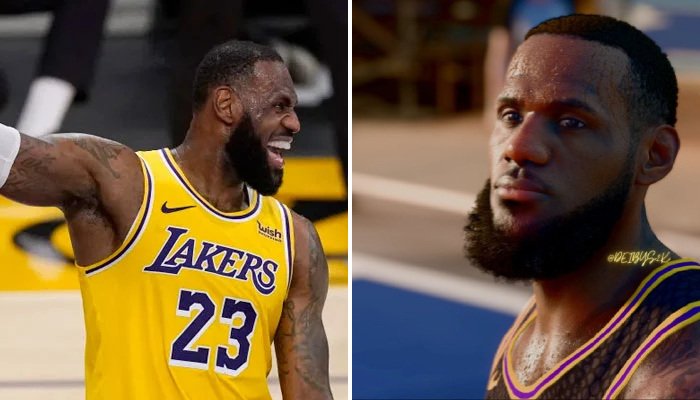
NBA 2K22: How to Shoot Free Throws
Free throws might look simple in NBA 2K22, but they can absolutely decide games—especially tight ones. Miss a couple at the line, and suddenly that comfortable lead is gone. While shooting jumpers and threes depends a lot on timing and badges, free throws are far more about player stats and clean inputs. No matter how elite your shooter is from deep, a low Free Throw rating will make the line feel like a pressure cooker. That’s why understanding the shot meter and using the right technique is key if you want easy points instead of unnecessary stress.
In NBA 2K22, there are two main ways to shoot free throws. Both rely on timing the shot meter correctly, so pick the method that feels most comfortable to you and stick with it.
Method 1: Button Shooting (Classic)
- Hold Square on PlayStation 4 / PlayStation 5 or X on Xbox One / Xbox Series X|S.
- The shot meter will appear above your player’s head.
- Release the button when the moving tick lines up with (or gets as close as possible to) the small black line inside the shaded area.
This is the most reliable method for most players and works especially well if you already have good shot timing.
Method 2: Right Stick Shooting (Pro Stick)
- Press and hold the Right Stick to start the free throw.
- The shot meter will appear above your player’s head.
- If Free Throw Aiming is enabled, gently rotate the Right Stick left or right to fine-tune your aim.
- Release the Right Stick when the moving tick aligns with the black line in the shaded area.
This method gives you more control but takes practice. If your aim is shaky under pressure, it can be riskier than button shooting.
Final Tips
- Players with a higher Free Throw rating have a slower, more forgiving shot meter.
- Stick to one shooting method for consistency.
- Turn off distractions and focus on timing—free throws are all about rhythm.
Master these techniques, and free throws will stop being a gamble and start feeling like guaranteed points in NBA 2K22.